Live captions vs transcripts vs recordings in meetings
Live captions vs transcripts vs recordings in Zoom, Google Meet and Teams: which ones get saved, who can start each, who gets told, and which one you need.
By The MeetNotely team · · 9 min read
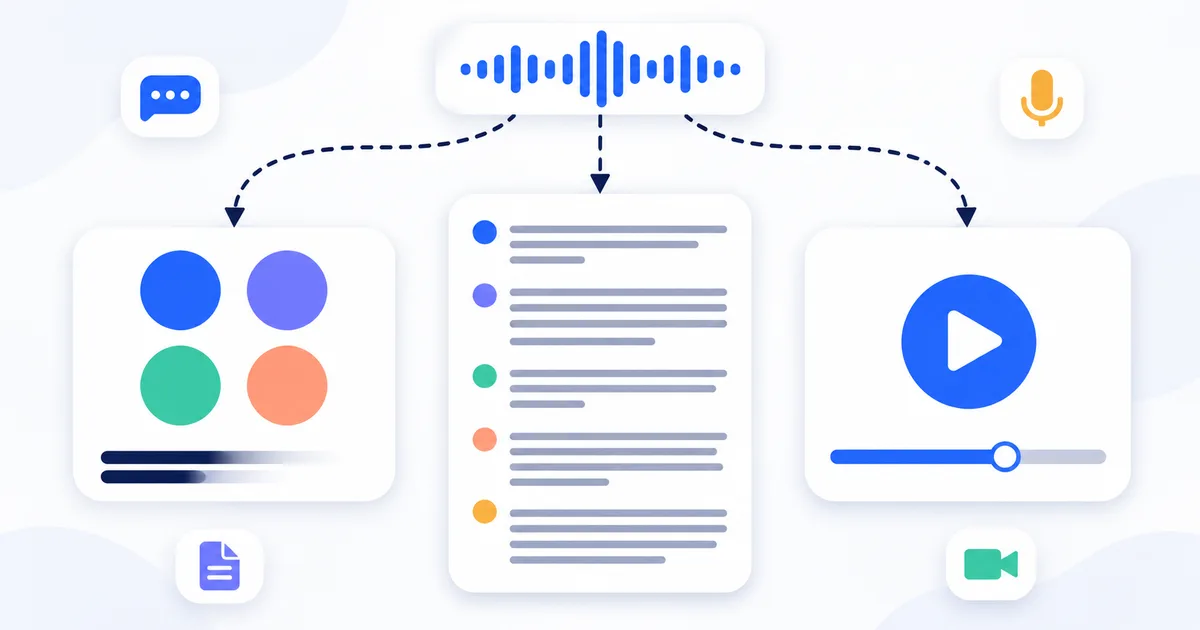
You turn on captions, the words scroll past, and when the call ends there is nothing to open. Captions and a live transcript look alike on screen, but only the transcript leaves a file behind. If a file is what you're after, start with how to record a laptop call so the other people's voices are on the file too.
Live captions vs transcripts vs recordings: side by side
We read each vendor's help page on 9 November 2026. We did not test these on live Zoom, Meet or Teams calls. Quotation marks are the vendor's words; "not stated" means the page doesn't say. The MeetNotely row is how our product is built.
| Platform | Live captions | Transcript | Recording |
|---|---|---|---|
| Google Meet | "turned on only for you"; saving not stated | Listed Workspace editions; organizer's Drive; "Only the spoken words" | Organizer's Drive |
| Zoom | "up to 3 minutes of scroll back"; can't be saved since May 2026 | Off until "a host or admin" turns it on; saved as a .TXT file | Computer or Zoom's cloud |
| Microsoft Teams | "Teams doesn't save captions." | Organizer's OneDrive; no recording needed | OneDrive or SharePoint |
| MeetNotely (as built) | None | After the recording, with speakers | Browser tab (audio only), or upload a file on Pro and Enterprise |
Main pages we read (others are linked where we quote them). Meet: captions, transcripts, recording. Zoom: transcripts, captions, computer recording, cloud recording, audio transcript. Teams: captions, transcripts, recording.
Does Zoom save closed captioning? Not since May 2026
Zoom no longer lets anyone save captions, so a guide that still points to a save button in the captions panel is out of date. Its page on saving closed captions reads: "Starting May 18, 2026, users can no longer save or download closed captions. Captions will remain available during meetings, with up to 3 minutes of scroll back, and during recording playback in the Zoom Workplace app or web portal." Zoom's own captions page (updated 23 July 2025) still shows a Save transcript step under captions; the May 2026 pages replace it.
Zoom's FAQ on the change instead describes "a gradual rollout between May 24, 2026, and May 26, 2026", which is why we just say May 2026. It gives the reasoning too: "Captions are designed for real-time readability during meetings, while transcripts are for retaining and saving speech-to-text data in the meeting."
Captions still show when you play a recording. One loose end: Zoom's computer recording settings page (updated 15 October 2026) still lists "Save closed caption as a VTT file" (hosts only). The pages don't say whether that still produces a file, so test it if you depend on it.
Live captions vs closed captions vs live transcript: what the names mean
The names collide, so check which one a guide means before following it. Live captions and closed captions are the same thing in meetings: text on screen during the call. Zoom's pages say "closed captions"; Google and Microsoft say "live captions".
- A transcript is the words written down and kept, with who said them and usually when. It still isn't an official record: see how a transcript differs from meeting notes and minutes.
- Live transcript is Teams' name for a transcript you can watch as it's written. Microsoft: "The transcription appears in real time and includes each speaker's name and time stamp." Unlike captions, it is stored.
- Live transcription has no single meaning. In Teams it's the action that starts that transcript. Zoom's current pages say "automated captions" and "Meeting transcript", so in an older Zoom guide the phrase could mean either.
Does Google Meet or Teams save live captions?
Teams doesn't, and Google's answer depends on the feature.
Does Google Meet save captions?
Google Meet's captions page shows no way to save them. It offers scrolling back, with a limit: "Captions only display for the parts of the conversation where you’re in the meeting and have captions turned on." We found no export option on the Google pages we read; that isn't proof none exists.
The one route is inside a recording, and Google's pages disagree. The recording page says "To record the meeting captions, select a language." The translated captions page says to "select Record captions to embed captions in the clip." Google's meeting-room hardware help says the opposite: "If you record a video meeting, you don't record captions." Check a finished recording before relying on either.
Does Microsoft Teams save captions?
No. Microsoft says "Teams doesn't save captions" and "Caption data is permanently deleted after the meeting is over." It points you to transcription instead: "You'll be able to download the transcript after the meeting."
Who can start each one, and who gets told
Captions are mostly a personal reading aid. Transcripts and recordings keep other people's words, and only Meet and Teams document telling them. Both tables use the same help pages, read 9 November 2026.
| Platform | Can start captions | Can start a transcript | Can start a recording |
|---|---|---|---|
| Google Meet | "All users" | Host and co-hosts, or "anyone from the host’s domain" if Host management is off | Eligible users, if the host has permission |
| Zoom | "any participant", unless the host restricts it | Host, or automatically if an admin sets it; participants can "Request transcription" | Host, or with the host's permission; cloud: "Only hosts and co-hosts" |
| Microsoft Teams | Each attendee | Organizer or same-organization people | Licensed users with recording enabled |
| Platform | Told about a transcript | Told about a recording |
|---|---|---|
| Google Meet | "a Transcripts icon" shows "for everyone in the meeting" | "Participants get a notification" |
| Zoom | Not stated | Not stated |
| Microsoft Teams | "All participants see a notification" | "everyone will be notified automatically" |
None of the three pages says whether people are told about captions. "Not stated" doesn't mean nobody is told, only that the page doesn't say. Either way, tell people yourself before a transcript or recording starts. If you're a guest and the platform won't let you start one, see how to record a Google Meet call as a participant, with the host's OK. This isn't legal advice.
Do you need to record to get a transcript?
No. Google Meet, Zoom and Teams can each make a transcript without a recording.
- Google Meet: Transcripts have their own start button under Meeting tools, and it's saved as a Google Doc in the organizer's Drive (where Google Meet saves transcripts).
- Zoom: a Meeting transcript starts from the Transcript button. Cloud recordings can also produce a separate audio transcript, which "applies only to cloud recordings."
- Teams: Microsoft has steps "To start a live transcription only". Recording starts one anyway: "When you record a meeting, transcription starts automatically."
A transcript made from your own recording only contains what that recording heard, so check why a recording ends up with only your voice first.
Which one do you need?
Choose by what you need from the call.
- To follow along right now, because of hearing, a noisy room or a second language: live captions.
- To have the words later, for searching, quoting or writing up a decision: a transcript.
- For tone of voice, a screen share or a demo: a recording.
Our call: if anyone might ask "what exactly was said?" next week, start a transcript at the beginning of the call, because captions can't help once it ends. Add a recording only when the sound or picture matters. It holds more about each person than text does, so we wouldn't keep one by default.
Where MeetNotely fits
MeetNotely doesn't show live captions during a call. If someone needs to read along in the meeting, for hearing access for example, use the platform's captions.
It covers the part after the call. Record a meeting from a browser tab and get a transcript and notes: the tab's sound plus your microphone, audio only, with no bot in the call. Short meetings are usually written up within a few minutes of the recording ending. You get a transcript with speakers and notes that cite their moments, in the language spoken, including calls that switch languages.
Nothing in the call shows a tab is being recorded, so tell people. See the limits of recording from a browser tab and the ways to get a call into MeetNotely. If your platform's transcript already does what you need, you may not need us for that.
Questions people ask
Can other people see my captions?
On Meet, Google says "The captions are turned on only for you." Zoom says captions "can be enabled and viewed by any participant", which describes permission, not your screen. Teams' page doesn't say. We haven't tested this on a live call.
Are live captions recorded?
It depends on the platform. Zoom shows captions during recording playback. On Google Meet, the recording page offers to record captions, but Google's meeting-room hardware help says recordings don't include them. Teams' recording page doesn't say.
Who can see the transcript after the meeting?
On Meet, "All invitees in the host's organization can open the attachment" on the calendar event; above 200 invitees it narrows to the host, co-hosts and whoever started it. On Teams, people in the same organization can view it, only organizers and co-organizers can download it by default, and "People who call into a meeting can't view the transcript." On Zoom, it follows the admin's settings.
Does turning on a transcript notify people?
Yes on Google Meet and Teams; Zoom's pages don't say. Meet shows "a Transcripts icon" "for everyone in the meeting", and Teams says "All participants see a notification."