How to write action items in meeting minutes, with examples
How to write action items in meeting minutes: task, owner, due date and source, with eight commitments from one sample meeting and a simple tracker.
By The MeetNotely team · · · 9 min read
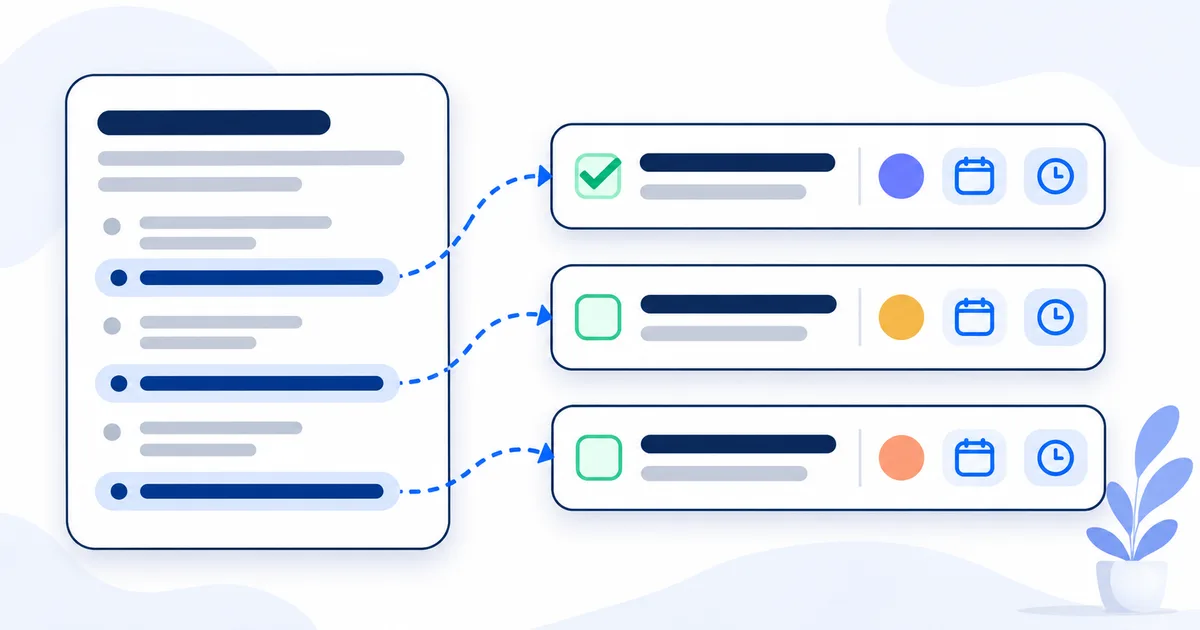
In a four-minute sample meeting we scripted and voiced with text-to-speech, three of the four people take on seven tasks, and an eighth is asked for with no owner. The chair's recap at 3:46 names two of them as tasks, gives a third only as a decision, and puts no name on any of them. Minutes written from that recap would lose the rest, including Omar's "I'll tell the pilot group" at 1:46.
An action item is a task someone agreed to do because of the meeting: one task, one person, one date. Asana, a vendor, puts it this way: "An action item is a specific task that arises from a meeting, assigned to a clear owner with a defined deadline, to move a project toward its goal." In our sample, four of the eight came with no date and one with no owner. Our minutes guide covers the parts every set of minutes needs; this page covers the action lines.
What goes in an action item: four parts
Every action item needs a task, one owner, a due date and its source.
- The task, starting with a verb. Clear enough that someone who wasn't there knows when it's done: "Send the Arabic email template to Lina", not "email template".
- One owner. The person who took it on, in their own words or by accepting it ("Will do"). A team isn't an owner.
- A due date, written as a calendar date, with the words said in brackets. A hedge stays a hedge: "realistically, next sprint" becomes "expected next sprint", never a deadline.
- The source. The moment it was agreed, as a timestamp or agenda item, so anyone can check it.
That's most of how to write good action items. What about SMART action items (specific, measurable, achievable, relevant, time-bound)? Our view: S and T do the work; the other three are questions for goals.
A decision is what was agreed; an action item carries it out. In the sample, Lina proposes at 0:52, Yousef agrees at 1:05, and Sara declares the decision at 1:11. The action item is Lina's reply at 1:19: "It'll be in tomorrow's build."
Action items in meeting minutes: a worked example
The sample is a 4:06 weekly product sync. We wrote the script and voiced it with text-to-speech; the names, the client (Gulf Logistics), the product being launched, the pricing talk and the Google Drive work are invented, and none of it is MeetNotely's pricing, storage or roadmap. To turn "today" and "Thursday" into dates, we date the meeting Monday 19 October 2026. Times are when each line starts.
| # | Action item | Owner | Due | Agreed at |
|---|---|---|---|---|
| 1 | Make push notifications follow the account language | Lina | Tue 20 Oct ("tomorrow's build") | 1:19 |
| 2 | Send the Arabic email template to Lina | Yousef (asked by Sara) | Mon 19 Oct ("today") | 1:30, accepted 1:36 |
| 3 | Tell the pilot group about the launch | Omar | Date to confirm | 1:46 |
| 4 | Make a one-page diagram of where the data goes | Yousef | Date to confirm | 2:38, approved 2:45 |
| 5 | Send the deck to Gulf Logistics | Omar | Thu 22 Oct ("Thursday") | 2:49 |
| 6 | Switch large uploads to resumable uploads | Lina | Expected next sprint (hedged) | 3:11, date 3:23 |
| 7 | Show the folder name, with a link, on the settings page | Lina | Date to confirm | 3:42 |
| 8 | Tell Gulf Logistics long recordings land next sprint | Owner not agreed | Date to confirm | 3:30 |
Our extraction from the script, by hand, not product output.
Two lines are left out on purpose. At 2:54 Sara says "Let's park that until we see their usage" about a renewal discount: that's an open question for the next meeting, not a task. At 1:41, "Then we're go for Thursday" is a decision with no single owner. Row 8 is our judgement call: Sara's "Let's be upfront with them" says what to tell the client, but not who tells them, and nobody took that. Omar ran the client call, but never said he'd tell them.
Five traps in that one meeting
1. The owner isn't the speaker (1:30). Sara asks: "Yousef, can you send the Arabic email template to Lina today?" The task is Yousef's once he answers "Will do." at 1:36; had he said nothing, the owner would be "not agreed".
2. Said in passing (1:46). "Nice. I'll tell the pilot group." Six words, straight after a decision, and the recap drops them.
3. A hedged date (3:23). "Not this sprint. Realistically, next sprint." That's an expectation, not a deadline. Write "expected next sprint" and let Lina own the date.
4. A "let's" with no owner (3:30). "Let's be upfront with them" decides what to do, but not who does it. Write "owner not agreed" and ask the chair, rather than handing it to whoever seems closest.
5. The recap isn't the list (3:46). It names nobody and lists two of the eight tasks. Use it as a check, not a source.
Also: at 2:45 Sara approves the diagram and asks about the deck in the same breath. Omar's "Thursday" at 2:49 belongs to the deck, not the diagram.
Where to put action items in meeting minutes
Put each action item under the agenda item and decision it comes from, and again in one numbered table at the end of the minutes. Our practice: the line under each item says why the task exists, and the closing table is what the next meeting opens with.
Who owns an action item?
An action item's owner is one named person: whoever took it on. For a team task, name the person who will report back and put the helpers in the task's wording.
When the chair assigns a task, the owner is whoever accepts it; until someone says yes, write "owner not agreed". If you're chairing and writing at the same time, get that yes at the end with a read-back from the notes you took while leading.
Our practice: someone absent owns a task only if the meeting agreed it, and the minutes say who tells them. Who assigns, approves or signs anything depends on your organisation's bylaws.
How to track action items after the meeting
An action item tracker is one table of every action item, kept across meetings: one row per item, until it's done or dropped. It needs five columns:
| Column | What goes in it |
|---|---|
| Action item | The task, verb first |
| Owner | One name, or "owner not agreed" |
| Due | A calendar date, "expected", or "date to confirm" |
| Source | Meeting date and the moment it was agreed |
| Status | Open, done, late, or dropped by a decision |
Send the table to every owner with the minutes (our practice), or put the actions in a meeting recap email that lists each owner and date. Open items go first on the next agenda. An item closes when its owner says it's done, or when a decision recorded in the minutes drops it. Louise Petschler of the Australian Institute of Company Directors wrote that, for management, the most important thing is "that the board's decisions are clear, actions arising are appropriately documented and followed…" (AICD, 16 August 2019, archived).
When an owner says "I sent that already", ask your meetings who agreed to what, with the moments cited. On Enterprise, a team workspace that keeps the team's meetings in one library gives the next chair the same history.
More in this series, in reading order:
- A meeting recap email template with each owner and date, for the message after the call.
- How to take notes while leading a meeting, for when you chair the call and keep notes too.
Action items from AI notes: what to check
An AI list of action items is a draft: check each owner against the moment they took the task on, and each date against the words said.
In MeetNotely you get action items that name an owner and play the moment they were agreed: the owner is the speaker's name from the transcript, the due date is the deadline as it was said, not a calendar date, and the item is written in the language of the meeting. Until you rename a speaker, the owner reads "Speaker 2" or similar; renaming updates the owner on every item in that meeting. Only someone who spoke on the call can be an owner. See the steps from a recording to notes and action items.
The limits, plainly:
- A wrong speaker split means a wrong owner. In one of our scripted test meetings, a transcript that merged two voices gave one of four action items to the wrong person.
- Due dates are words, not reminders.
- You can tick an item off in the meeting or from the open action items on your home page, but you can't edit its text, owner or due date, or add one. Correct them in your minutes.
Questions people ask
Is an action item the same as a decision?
No. A decision is what the group agreed; an action item is who does what, by when, to carry it out. In the sample, 1:11 is the decision and 1:19 is the action.
What if no owner or due date was agreed?
Write "owner not agreed" or "date to confirm" and ask before the minutes go out. Never fill in a name or date nobody said.
Can an action item have two owners?
Our view: no. Name the one who reports back, and list the helpers in the task.
Should action items include the timestamp?
In working minutes, yes, so anyone can check them. We drop them from the signed version (our practice).