Decision log template for meetings, free CSV download
Twelve columns, a CSV and two sample decisions said at 1:11 and 1:41. This decision log template links each row to its moment and never rewrites a changed one.
By The MeetNotely team · · · 11 min read
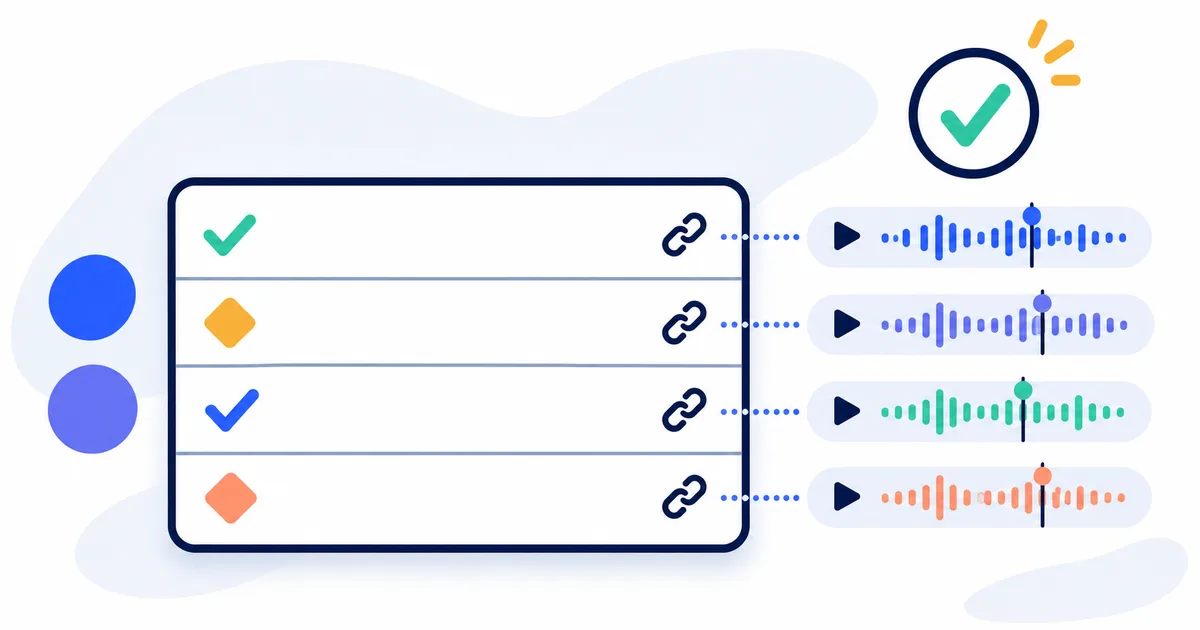
In a four-minute sample meeting we scripted and voiced with text-to-speech, two lines are decisions (1:11 and 1:41). Three more lines sound decided but belong elsewhere: an instruction (2:31), a parked question (2:54) and a task nobody took (3:30). A log that took every line that sounds decided would hold five rows; this one holds two. The MeetNotely team keeps a decision log too, numbered past 530, and one of its rules is: "Don't rewrite old entries; add a new one that supersedes them."
This page is about decisions made in meetings, not software audit logs. Tasks go in the action item tracker that sits next to it; this log holds what was decided, and the tasks point back to it.
What a decision log is, and what it isn't
A decision log, also called a decision register, is a running list of decisions across many meetings, each with its date, exact wording and the meeting it came from, so a team can see what still stands.
It sits between two documents you probably keep already:
- Minutes record one meeting and are approved as your own rules require. A decision log runs across meetings, so nobody has to open every set of minutes. See how minutes differ from notes and a transcript.
- An action log says who does what by when. A decision is what was agreed; an action item carries it out.
Out of scope: a RAID log (a project's risks, assumptions, issues and dependencies) and an architecture decision record (ADR, one document per technical decision).
Our view: a decision log is worth keeping once decisions outlive the meeting that made them. For a one-off project, the Decisions block in the minutes is enough.
The decision log template
The decision log template has twelve columns: nine core and three optional (Why, Replaces, Revisit when). Examples are from the sample below.
| Column | What goes in it | Example (sample) |
|---|---|---|
| ID | A number that never changes or gets reused | D‑001 |
| Date | The meeting date | 2026-10-19 |
| Meeting | Its name, as on the invite | Weekly product sync |
| Decision | One plain line | Notifications follow the account language |
| Exact words | The sentence that made it a decision | "Okay, so that's a decision: …" |
| Said at | Time in the recording (h:mm:ss), or the agenda item | 00:01:11 |
| Source | A link to that moment, or to the minutes | Meeting link, ?t=71 |
| Decided by | Who declared or approved it | Sara (chair) |
| Why | One line of reason, with its time | Arabic accounts on English phones (0:52) |
| Status | Active, or Superseded by D-0xx | Active |
| Replaces | The ID this one replaces, if any | (blank) |
| Revisit when | A date or a condition, only if one was said | Not said |
Source is where to look; Said at is the second to play. With both, anyone can check the wording against the moment. If the meeting wasn't recorded, put the agenda item in Said at and link the minutes.
Download the decision log template (CSV)
Download the decision log template (CSV). It's a plain CSV you can open in any spreadsheet app, with the twelve columns and the two sample rows. Delete the sample rows and keep the header.
Spreadsheets may read 1:11 as a clock time (one hour, eleven minutes), so the CSV writes Said at as 00:01:11 (h:mm:ss). The Source cells are placeholders, because the sample has no public link; paste your own.
Which columns you can drop
Our view: never drop Exact words, Said at or Status. Without them you get a paraphrase nobody can check, and nobody knows what still stands. If the sheet feels heavy, drop Revisit when and Why first.
A filled example: one sample meeting, two decisions
The sample is a 4:06 weekly product sync that we scripted and voiced with text-to-speech. Sara (product lead) chairs, with Omar (sales), Lina (engineering) and Yousef (design). The names, the client (Gulf Logistics), the product being launched, the pricing talk and the Google Drive work are invented, and none of it is MeetNotely's pricing, storage or roadmap. Written by hand from the script, not product output. Times are when each line starts. We date the meeting Monday 19 October 2026, so "Thursday" is 22 October.
| ID | Decision | Said at | Status |
|---|---|---|---|
| D‑001 | Push notifications follow the account language | 1:11 | Active |
| D‑002 | Arabic onboarding ships Thursday morning, Riyadh time | 1:41 | Active |
- 1:11, Sara: "Okay, so that's a decision: notifications follow the account language."
- 1:41, Sara: "Then we're go for Thursday. Arabic onboarding ships Thursday morning, Riyadh time."
D-001 has three moments: Lina raises the problem at 0:52, Yousef agrees at 1:05 ("Agreed, the account setting should win."), and Sara declares it at 1:11. The row takes 1:11 as Said at and keeps 0:52 and 1:05 in Why, so the reason can be played too. That's why each note should carry the moment it came from. Lina's reply at 1:19, "It'll be in tomorrow's build.", is the action that carries it out, so it goes in the action tracker.
The 3:46 recap repeats both decisions. A recap restating a decision isn't a new row: log the first moment it was declared. For anyone who missed the call, send a decisions-only recap for people who weren't there.
Three lines that sound decided but go elsewhere
All three contain "let's", and neither decision does:
- 2:31, an instruction: "We already support that with Drive, so let's put it in the deck as a standard option, not a custom request." An instruction about Omar's deck, so it stays out of the log.
- 2:54, parked: "Okay. One open question: do we offer the discount on renewals too? Let's park that until we see their usage." An open question, so it goes on the next agenda.
- 3:30, the task nobody took: "That's fine. Let's be upfront with them that long recordings to Drive land next sprint." The action tracker gets it, with "owner not agreed".
How to tell a decision from an instruction, a proposal or a parked question
A decision is a choice a meeting made that changes what people do next, stated clearly enough that it can be quoted back word for word. Four tests, each from the sample:
- Was it declared or agreed by the group? "That's a decision" (1:11) and "we're go for Thursday" (1:41) were. Omar's offer at 2:14, "A prepaid block of five hundred hours with a ten percent discount, valid for twelve months", is a proposal: not decided, so it stays out.
- Does it bind the group, or tell one person what to do? 2:31 tells Omar what to put in his deck.
- Is it closed? "Let's park that" (2:54) leaves the question open.
- Is it a task with no owner? "Let's be upfront with them" (3:30) says what to do, not who does it: a task waiting for a name.
If you chair the call, jot each decision with its time while you lead: a D: line with a time is a row with its Said at already filled.
How to change a decision without rewriting it
To change a decision, add a new row and change only the old row's Status. This is our own practice, from the log described next:
- Add a new row with the next ID. In Decision, write the new decision; in Replaces, the old ID.
- Say how much it replaces when it's partial: "Replaces D-002 for the client pilot only". Our own log uses wording like "Replaces decision N's…", "Changes decision N for…", "amends" and "retires".
- In the old row, change only Status to "Superseded by D-0xx". Leave the rest as it was: it's what was true then.
- Never reuse an ID, even for a test row you deleted.
- A decision reversed later in the same meeting is logged once, as the final one (our view). Across meetings, the reversal is the log's job.
Nobody in the sample changes a decision, so this part uses blanks:
D-002 ... Status: Superseded by D-0xx
D-0xx ... Decision: [new decision] ... Replaces: D-002 ... Said at: [time in the later meeting]
A spreadsheet invites editing the old cell. The Status-only rule is the one thing to agree before the first row.
How our team keeps its decision log
We keep ours as one Markdown file in our code repository. Its rule, on line 3: "Append new entries at the bottom: date, decision, why. Don't rewrite old entries; add a new one that supersedes them."
- Format: dated headings (
## YYYY-MM-DD: topic), most with a three-column table,| # | Decision | Why |, numbered past 530. Many entries quote the owner's words with a date, such as "(owner, 2026-11-16)". - Renumbering: on 16 November 2026 two work sessions both used number 527. The staging-domain decision kept 527, and the other was renumbered 528 when the work merged. An earlier batch was "renumbered 36–45 at merge, they were written as 28–37". The lesson: give IDs out from one place, or renumber before anyone cites them.
The honest limit: our log has no timestamp or source-link column, because most of our decisions are made in written work sessions, not recorded meetings. That's why this template adds Said at and Source.
Building the log from MeetNotely notes
MeetNotely doesn't keep the log for you: you copy each decision into it. What it gives you is the source for each row (see what the notes, action items and Ask do).
- A Key decisions section in the notes. After each meeting, MeetNotely writes a summary, the key decisions and the notes that matter, and every line carries the timestamp it came from. These are notes whose key decisions play the moment they were said.
- Copy notes. The Copy notes button copies each section heading and its lines, each followed by its time in parentheses. Paste the Key decisions lines in, each with its time.
- Decided by is yours to fill. A decision in the notes carries its text and its moment, not an owner or a status.
- Play it before you log it. A decision's time is the start of the line it cites, and the notes can cite the wrong line; a 0:00 time is the clearest sign.
- Decisions turn into tasks. Each action item names who owns it and when it's due, and links to the moment it was agreed.
Later, you can ask your meetings what you decided, with a link to each moment the answer is based on. On Free, Ask covers one meeting at a time; Ask and search across all meetings are on Pro and Enterprise.
Questions people ask
What should a decision log include?
A decision log needs ID, date, meeting, decision, exact words, said at, source, decided by and status; Why, Replaces and Revisit when are optional.
What is the difference between a decision log and meeting minutes?
Minutes record one meeting. A decision log is the index across meetings, and each row points back to the minutes it came from.
What is the difference between a decision log and an action log?
A decision says what will happen; an action item says who does it, by when. One decision can need several actions: in the sample, Lina's reply at 1:19 carries out D-001.
Can I keep a decision log in a spreadsheet?
Yes. The template is a plain CSV you can open in any spreadsheet app, with Said at written as h:mm:ss (hours, minutes, seconds).
Who keeps the decision log?
Our view: whoever keeps the notes or minutes, with one person giving out IDs.
Do rejected options go in the log?
Our view: only if the group decided not to do something. Options only discussed stay in the notes.